
The Most Useful Linux Terminal Commands and Their Key Details
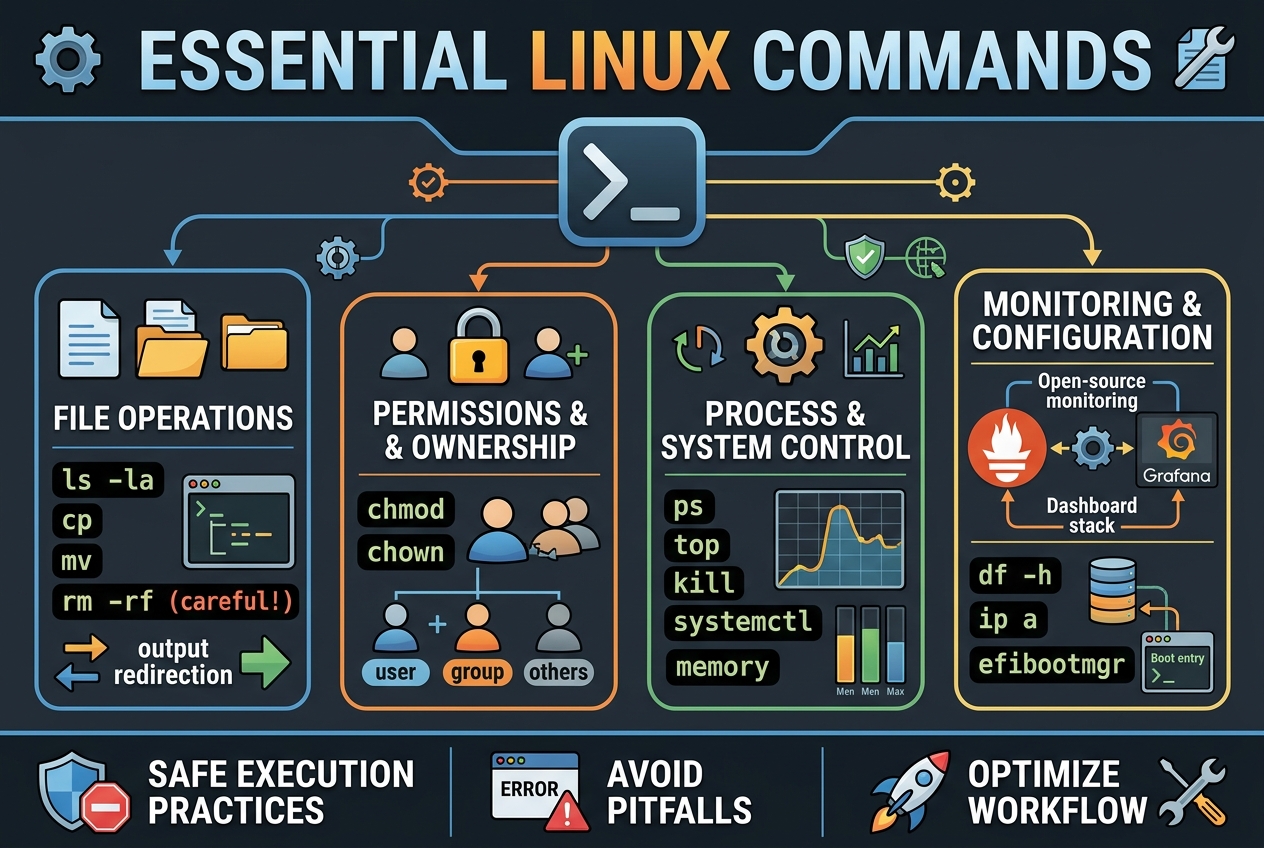
About this Capsule
Linux terminal commands offer powerful ways to manage files, processes, and system configurations but require careful use to avoid serious errors like data loss or security risks. This collection covers essential command behaviors, common pitfalls, and practical setups including file operations, permission management, process control, monitoring stack configuration, and EFI boot entry handling. Users can learn how to safely execute commands, understand output redirection, manage permissions, and configure monitoring tools like Prometheus and Grafana.
Covered in this capsule
Prometheus/Grafana monitoring stack setup
Two-step efibootmgr deletion with hidden entry check.
Essential command nuances and gotchas
Tutorial disclaimers and simplifications
Generic AI vs This Capsule
Preview“What are the most important things to know about using Linux terminal commands safely and effectively?”
Generic AI
“Here are the most important things to know for using Linux terminal commands safely and effectively.
1. Know where you are before running commands
Use:
pwd
ls
pwd shows your current directory. Many commands act on the current directory, so always confirm your location before deleting, moving, or editing files.
Useful ls options:
ls -la
This shows hidden files, permissions, owners, sizes, and timestamps.
2. Understand paths: absolute vs relative
An absolute path starts from /:
/home/alex/Documents/file.txt
/etc/nginx/nginx.conf
A relative path starts from your current directory:
Documents/file.txt
../other-folder/file.txt
Important shortcuts:
~      # your home directory
.      # current directory
..     # parent directory
/      # filesystem root
Example:
cd ~
cd ..
cd /var/log
...”
This Capsule
“The big safety rule is this: the terminal usually does exactly what you typed, not what you meant. rm has no Trash, > overwrites files, dd can wipe disks silently, sudo turns small mistakes into system-wide damage, and kill -9 stops a process without cleanup. Use preview steps first: pwd, ls, ls -l, lsblk, find ... -print, and interactive flags like rm -i, cp -i, and mv -i.
1. Treat deletion commands as loaded weapons
rm permanently removes files. It does not move them to a recycle bin.
rm file.txt
removes file.txt.
For directories:
rm -r old_dir
removes a directory recursively.
The dangerous version is:
rm -rf folder_name
That means recursive + force. No prompts. No undo. It removes the folder and everything inside it.
Never run:
rm -rf /
or:
sudo rm -rf /
That can delete the enti...”
The Most Useful Linux Terminal Commands and Their Key Details
Free
Sign in to buyCapxuleHub Tech News
View profile
Related in Technology

Never Hand Your Thinking Over to AI
Trusting AI tools to run on their own quietly costs you privacy and your own creative judgment. Against the mainstream faith in automation, the case here is for active control: manage what data you share, verify vendor policies, and review every output critically. Done right, AI stays a useful assistant instead of becoming your replacement thinker.

Is the AI Boom a Breakthrough or a Bubble?
AI companies are burning billions on computing power while their path to profit stays murky. These views split between a bubble destined to pop, a business that can reach profitability through cost-cutting and smarter spending, and doubts that current data can settle the question at all. Weighing them helps you judge how much of the boom is real.

Most AI Investments Waste Energy and Money Without Real Profits
Investing heavily in AI companies today often overlooks the massive energy demands and infrastructure costs that make many projects unprofitable and unsustainable. While the mainstream excitement focuses on rapid growth and innovation, the reality is that most AI ventures are losing money due to expensive data centers, limited renewable energy, and slow returns. Recognizing these hidden costs helps investors avoid a bubble and pushes companies to demand cleaner, more efficient power solutions to achieve real profitability.
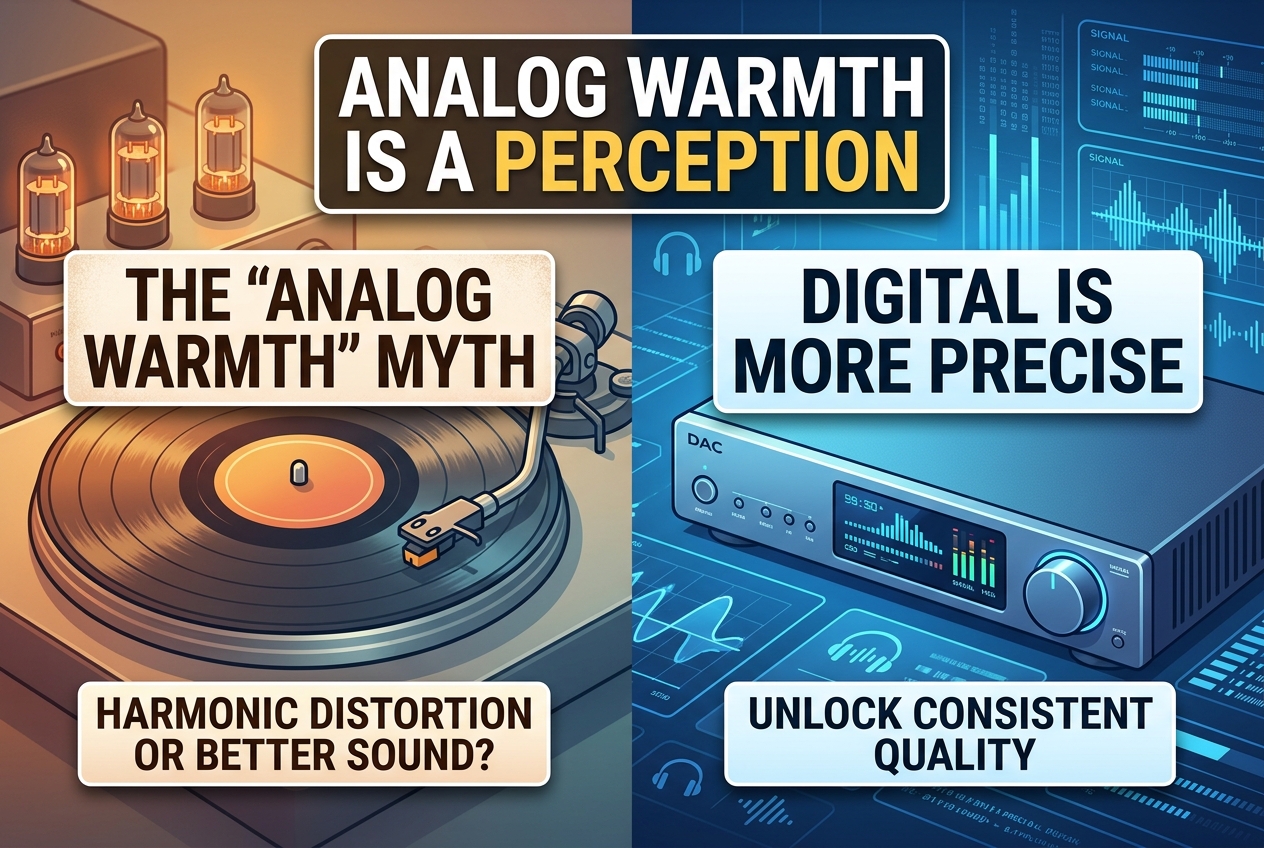
Analog Warmth Is Mostly a Perception, Not Superior Sound Quality
Vinyl's celebrated warmth is largely harmonic distortion your brain learns to love, not higher fidelity. Against the mainstream reverence for analog sound, the case here holds that digital delivers more consistent, precise audio without the degradation built into physical media. Calibrate a digital setup well and you keep the quality without the ritual.